Operations Dashboard
See scheduled work, crew assignments and items needing attention. Open the related record to act.
Coordinate commercial exterior work from proposal through scheduling, field records and the next service visit.
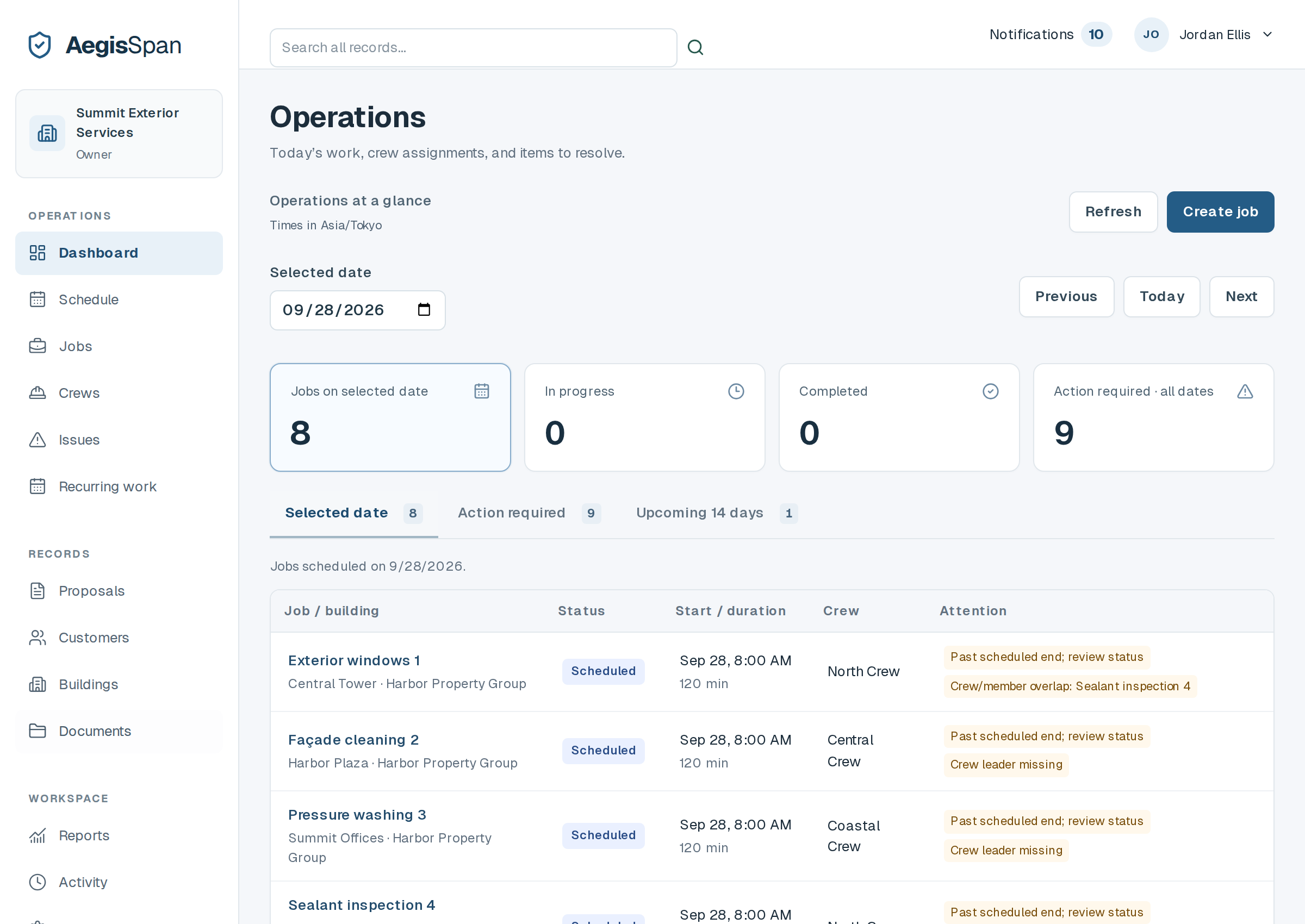
See scheduled work, crew assignments and items needing attention. Open the related record to act.
Keep customer details, site contacts, rooftop and access instructions, documents and past work with the building.
Plan jobs, assign or reassign crews, use day/week/month schedules and review detected scheduling overlaps.
Write and edit scopes with reusable templates, stored building information and prices your team controls.
Let assigned crew members review access, complete checklists, add photos and notes, report issues and update job status on a phone.
Attach documents to customer, building and job records. Track supplied expiration dates and configured missing documents.
Review recorded proposals, work, access changes, notes, photos and issues in a chronological building timeline.
Record monthly, quarterly, semiannual, annual or custom service schedules. Create the next draft job when your team is ready.
Keep site contacts, roof and access information, documents and recorded changes with the building. Review previous jobs, proposals, photos, notes and issues before planning the next visit.
Search customers, buildings, jobs, proposals, documents and issues across your organization. Reports summarize stored operational records with clearly defined date ranges.
Assign and resolve issues. Track document expiration dates supplied by your team. Record recurring services and create their next draft jobs when needed.
In-app reminders cover assignments, proposal decisions, approaching expiration dates, due recurring work and unresolved issues. Due checks run when the app refreshes; email, SMS and push notifications are not included.
AI features and offline synchronization are not available for launch. The system does not make engineering or autonomous safety determinations. Crew workload shows scheduled hours, not measured labor utilization.
Tell us about your company. We’ll review your request and contact you at your work email to arrange a walkthrough of the current product.
Requesting a demo does not create an account or start a paid subscription. We use these details to review your request and contact you about AegisSpan. No payment information is collected here.